
In this article, we explain how the services of Aangetekend Mailen work via a connector. This setup works with both Microsoft 365 and on-premise environments. For customer-specific implementations in non-standard architectures, please contact our support department.
Using this method, the plugin can be directly connected to Aangetekend Mailen via a connector. This works with Microsoft 365 and on-premise environments. The example below is based on Microsoft 365; on-premise implementations may differ depending on customer-specific architecture.
Aangetekend Mailen connector
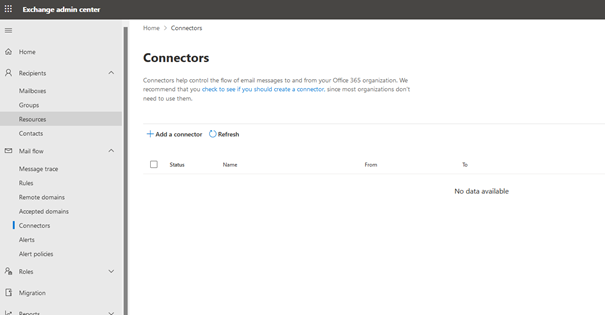
Click: Add a connector
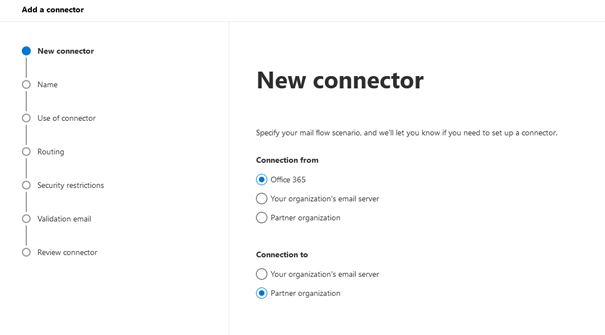
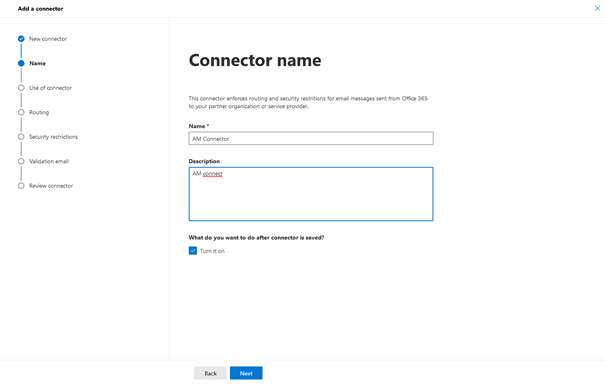
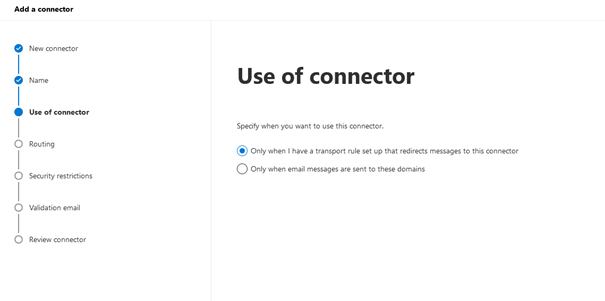
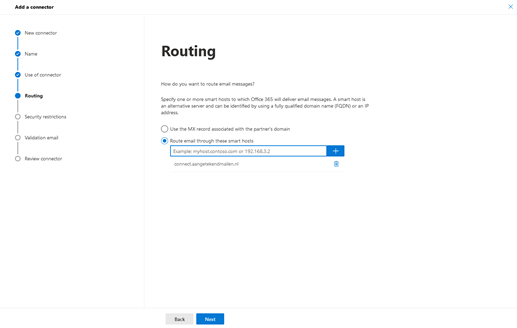
Enter: connect.aangetekendmailen.nl
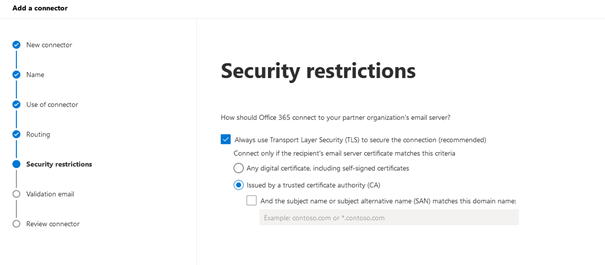
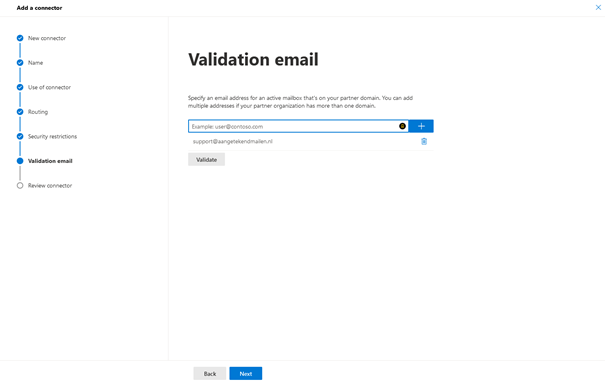
support@aangetekendmailen.nl
Click: Validate
Result: Failed (this is expected and not an issue)
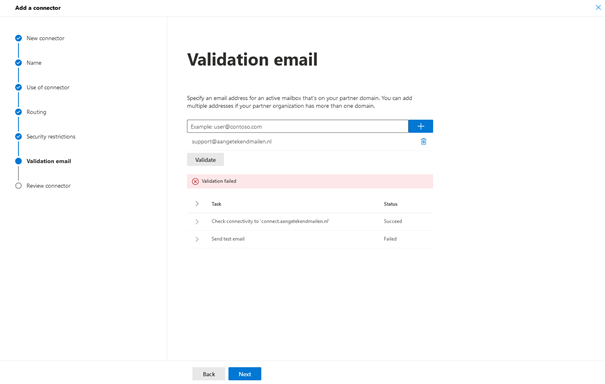
Click: Next
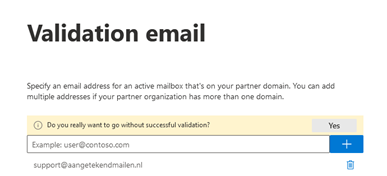
Click: Yes
Click: Next
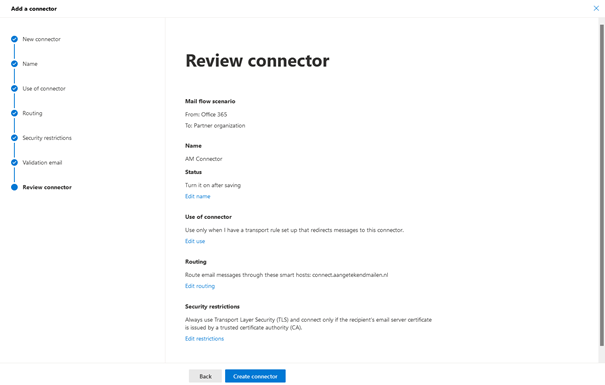
Click: Create connector
Click: Done
Aangetekend Mailen Mail Rule
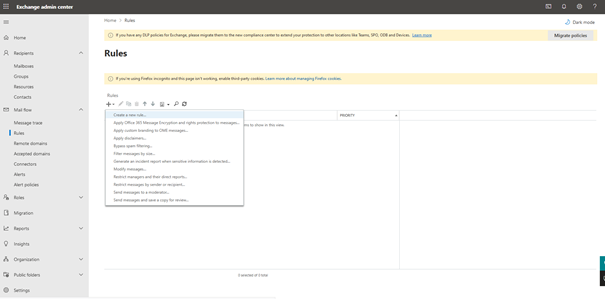
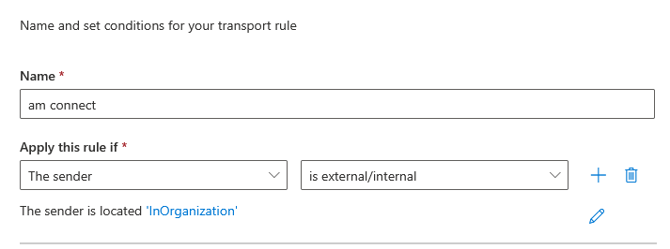
Click: + (Add condition)
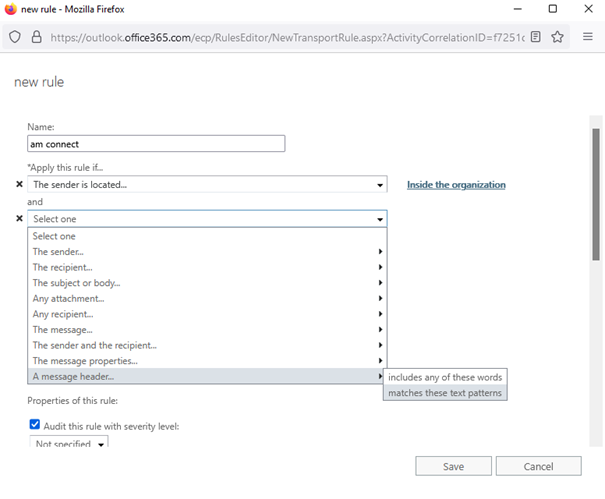

X-AmActive true

X-AmAuthentication *Enter the unique key you receive from Aangetekend (contact: support@aangetekendmailen.nl)
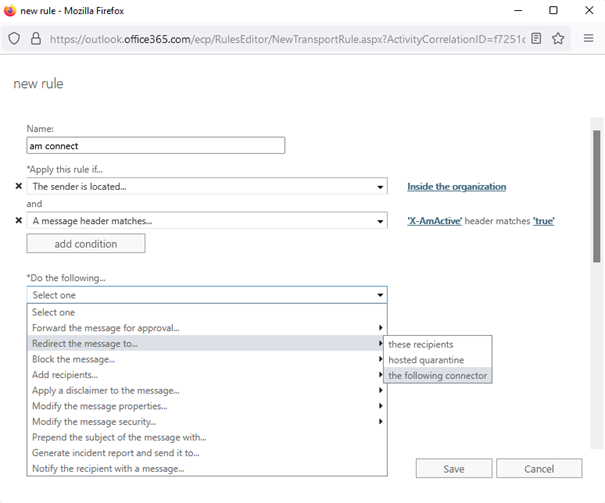
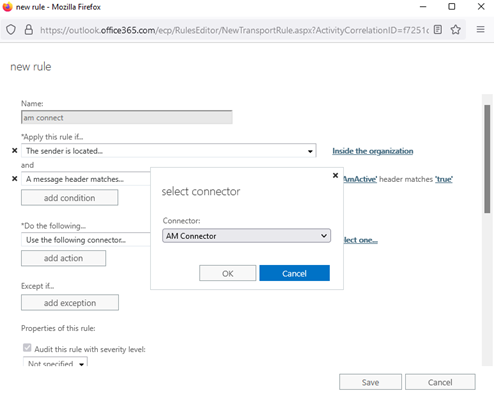
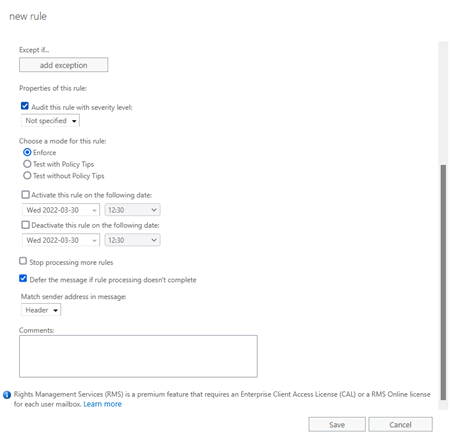
Click: Save